How to Fix a Mac External Keyboard That Keeps Disconnecting
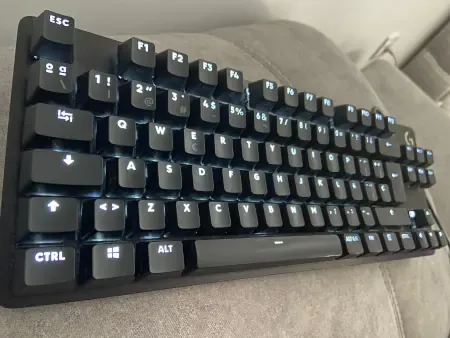
If you have a MacBook, you might have it connected to a monitor, keyboard, and mouse at home or in the office. That keyboard might not be an Apple brand, as there are plenty of keyboard brands and models out there that make spending long hours working on our Mac much more bearable. That keyboard might be wired, and that cable likely has a USB-A connector. Let me dive a bit deeper: your Mac has a USB-C port, and you’re using some kind of adapter to plug in the keyboard.
Here’s the problem. Every now and then, the keyboard stops responding. If it has backlighting, it might even turn completely off. You search the internet and ask AI. You try tweaking settings on your MacBook to see if you can restore power to the USB port. None of it works. It’s an issue that also happens with the Mac mini.
Well, today I’m bringing you the solution.
What’s the problem?
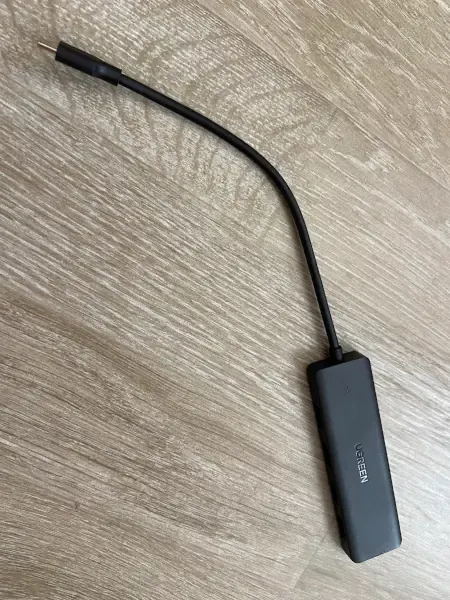
The adapter you have is “dumb” (passive). It doesn’t have any microchip inside—just wires connected to a fixed resistor.
When your MacBook Pro (or whichever Mac you have) locked or unlocked the screen, or simply decided to send power, the chip’s security controller ran a power and data check on the USB-C port. Since the adapter doesn’t know how to “reply” or speak modern USB-C protocol, the Mac gets paranoid, thinks the cable got misaligned or failed, and shuts off the port’s data lines for safety (ActiveCable = No).
How do I fix it?
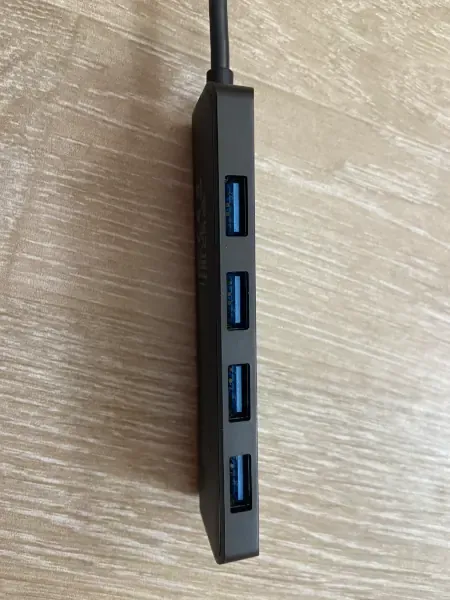
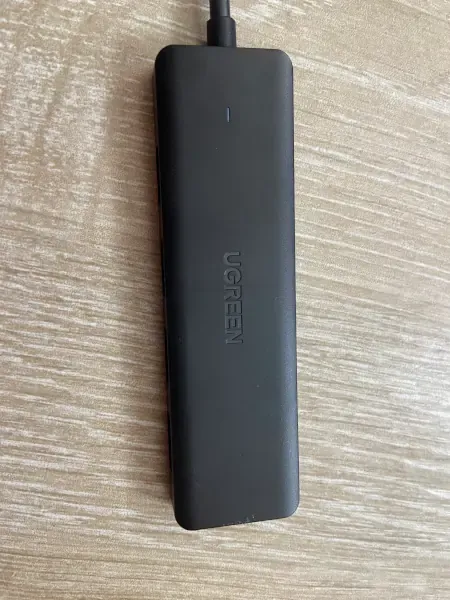
The solution comes down to buying a different adapter, but don’t worry—it’s cheap. The UGREEN hub has a smart chip inside (the Genesys controller) that acts as a constant translator:
It speaks the Mac’s language: The Genesys chip maintains a continuous dialogue with the MacBook’s USB-C port.
It responds to screen locks/unlocks: When you unlock your Mac and the M5 chip runs its security check, the Genesys chip instantly replies using the proper protocol: “Relax, I’m still here and I’m an active hub.”
It isolates the keyboard: The Mac never shuts down the USB-C port, and your LG keyboard (plugged in “behind” the Genesys chip) doesn’t even notice that the screen was locked or unlocked.
Usually, it’s the Genesys Logic GL3510 chip (like in this case) or something similar.
Now you know how to fix the issue of your keyboard disconnecting from your MacBook or Mac.